



Subway Surfers
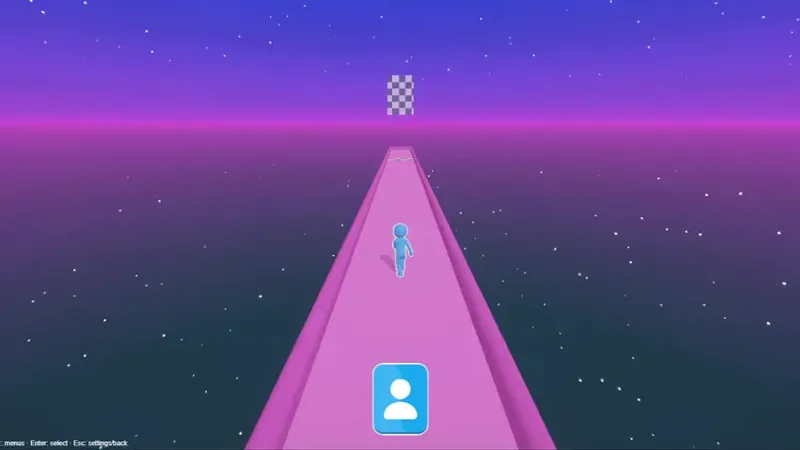
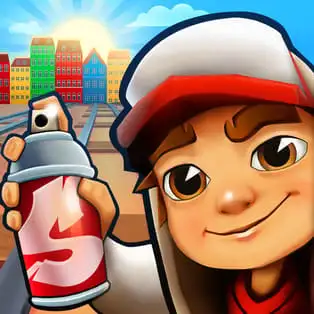
Subway Surfers is a fast-paced endless runner where you dodge trains, switch lanes, collect coins, and use power-ups to stretch every run. Quick reac…
Played 546 times
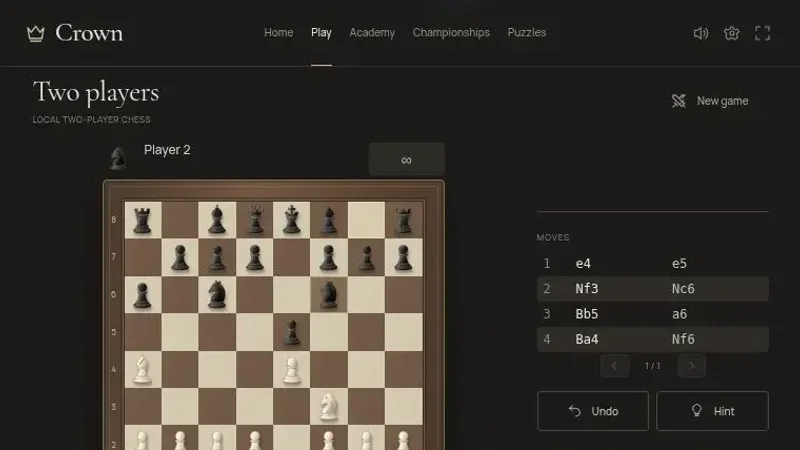
A teaching chess board that starts with the rules and ends with six levels of computer play, three cups and a same-screen two-player mode. Hints and undo make a blunder a lesson instead of a loss.
Looking for more options after Crown Chess? Visit All Games to browse the full library, or use the contact page if you want to report a bug or ask for support.
A walnut-coloured board, pale squares, pieces sitting heavy on them — and a lesson open on the screen instead of a clock. Crown Chess starts you at the rules rather than at a game, so the first moves you make are demonstrations rather than decisions.
The teaching path is twelve interactive lessons, and each one asks you to do something rather than read about it. Eight tactical puzzles follow, and they are the honest part of the curriculum: a puzzle only clears when the move that actually works is the one you play, so nodding along at the explanation counts for nothing.
A ladder of six computer opponents does the ordinary work of making you better — one game at a time, against something that never gets bored. The three championship cups are the occasions: a named target for the days when a practice game is not enough of a reason to sit down.
Practice comes with two allowances. A hint arrives when a position goes quiet and you cannot see what changed; undo takes back the move you regretted the moment you saw the reply. Used properly they turn one bad idea into a correction instead of a lost game, which is the whole argument for learning this way.
Two-player mode needs no network and no second machine. One board, two people, and the same argument over whether that capture was legal.
This one is built for a computer and stays there. The developer is direct about it: a keyboard and mouse are the intended setup, and phones are not supported, so the board never has to shrink into something you cannot read. Fullscreen is there for the times a browser window feels cramped around a board this size.
Nothing about the presentation pushes back — the menus are calm, the wood is polished, the whole thing looks like a nice object to own. The resistance is entirely in the opposition: six strengths of computer player, and puzzles that do not accept an approximate answer.
No. The twelve interactive lessons cover the rules from the start, and the eight puzzles that follow are there to check the ideas landed before a real opponent arrives.
It does not. The developer built it for computers, where a keyboard and mouse do the work, and the phone-sized version is not supported.
Checkmate. The board asks for the same thing chess always has: the opposing king trapped with nowhere to go.
Six opponents of rising strength, plus three championship cups for anyone who wants a named target rather than the next rung of the ladder.
Practice sessions include undo, along with hints for the moments when a position stops making sense.
Yes. Two-player mode puts two people on the same board at one machine, so no network and no second computer is needed.
Nothing. It loads and plays in a browser tab on Y8, with no download step in between.
Games that reward reading ahead rather than reacting.
Subway Surfers is a fast-paced endless runner where you dodge trains, switch lanes, collect coins, and use power-ups to stretch every run. Quick reac…
Temple Run 2 is an endless runner where you escape with a stolen idol, dodge traps, leap across gaps, and collect coins on dangerous temple paths. Fa…
100 Meters Race is a fast sprint game where rhythm, acceleration, and energy management decide who wins the track. Alternate your inputs quickly, hol…
G-Switch 4 is a high-speed gravity runner where one button flips your character between floor and ceiling. Perfect timing, quick reactions, and clean…
Smash Karts is a multiplayer kart battle game where you drive, collect weapon boxes, and fight other players in short arena matches. Fast movement, s…